
Layout & posts
Fence route, height, safety distance and post grid create the system geometry.
Digital planning for safer machinery
Machine envelope, fence route, panel widths, infills, doors, interlocks and accessories become a complete enclosure in the browser—clear for customers, sales and engineering.
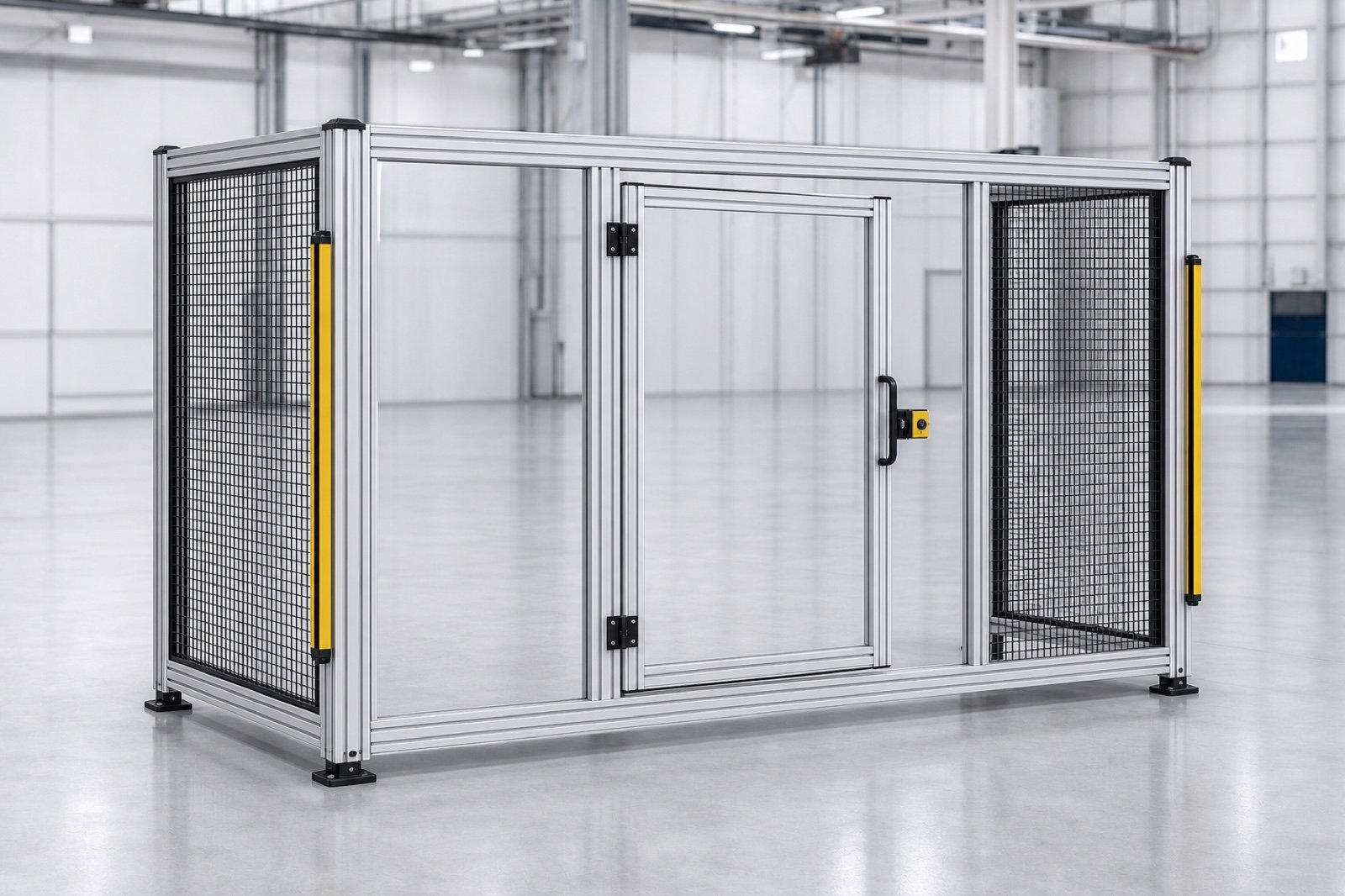
From machine envelope to complete enclosure
Machine guarding is customer-specific but built from recurring profiles, panels and hardware. The configurator turns that kit into a fast, verifiable sales process.
Machine envelope, safety distance, height and desired fence route form the basis.
Mesh, polycarbonate and sheet panels plus swing or sliding doors are completed with matching hardware.
The enquiry contains 3D layout, dimensions, panel schedule, safety equipment and components.
Customer and sales see access and space; engineering receives a structured assembly basis.
Recent confBuild projects
Aluminium profiles, connectors, mesh, polycarbonate, doors and floor anchors already exist as reusable confBuild building blocks.
This could be your product ↗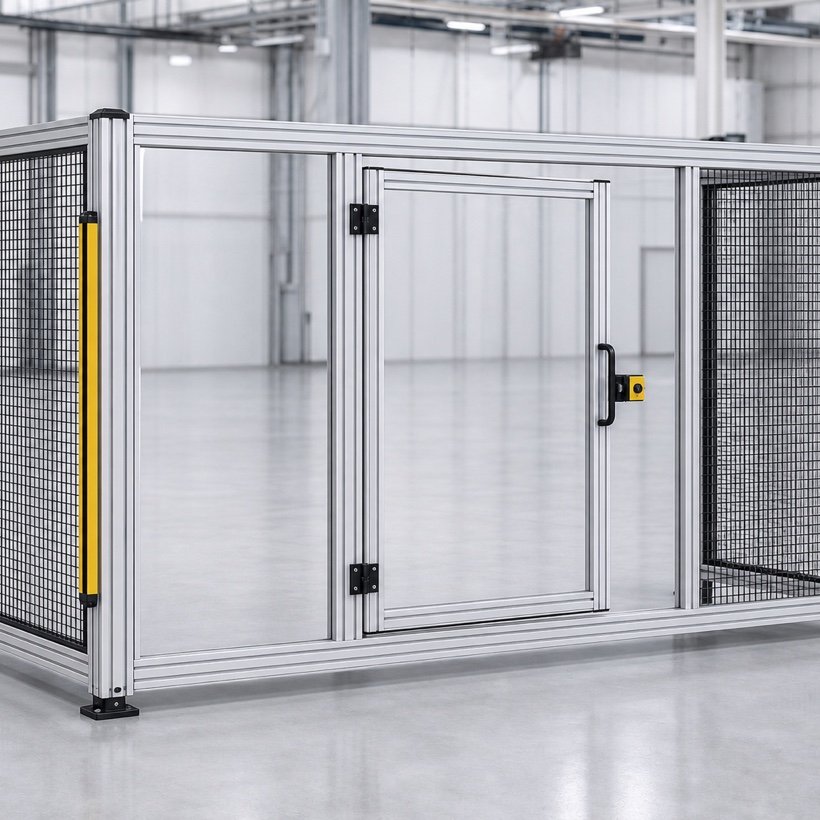
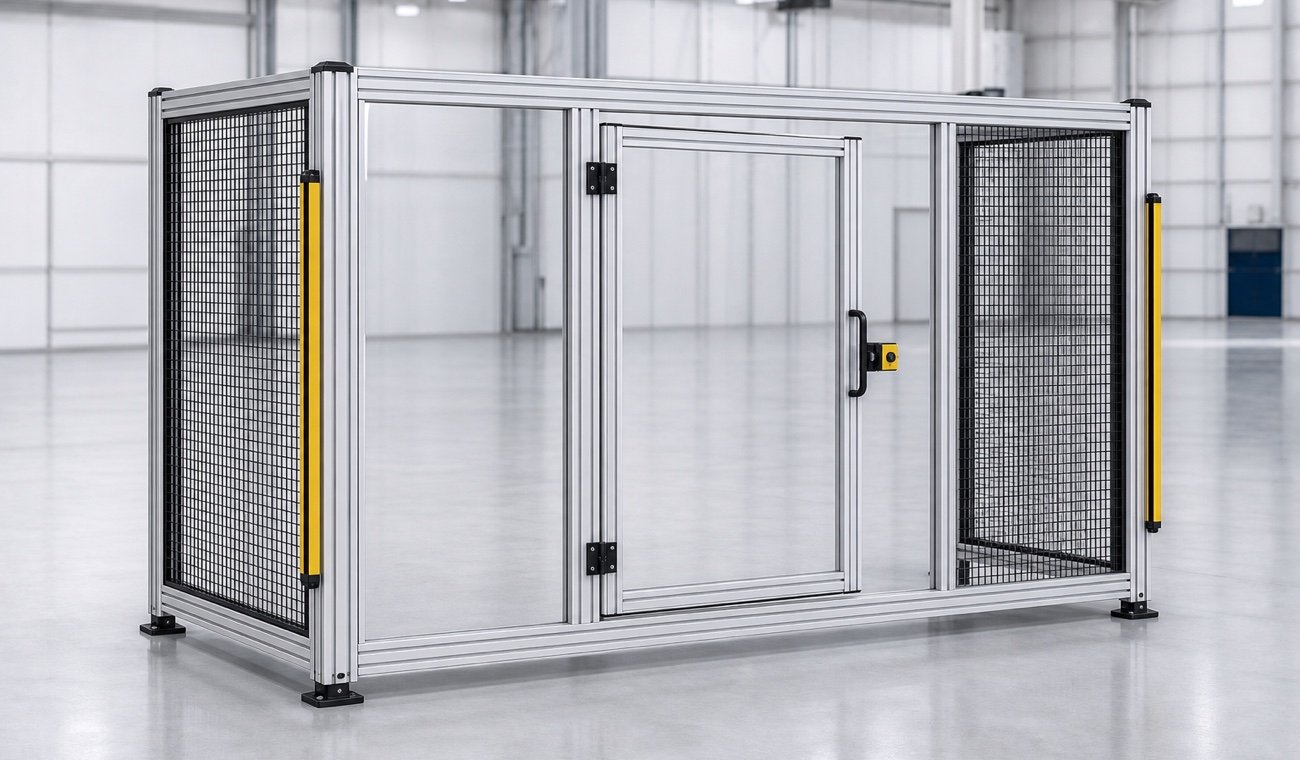
Modular kit with safety logic
Posts, profiles, infills, doors, interlocks, light curtains and floor fixings follow the selected layout and your product rules.
Map my product system ↗Fence route, height, safety distance and post grid create the system geometry.
Mesh, polycarbonate and sheet infills are selected to match panel width and application.
Swing and sliding doors receive matching hardware, interlocks and sensors.
Profiles, connectors, infills and hardware are ready for quotation, BOM and CAD.
Fence route, height, safety distance and post grid create the system geometry.
Mesh, polycarbonate and sheet infills are selected to match panel width and application.
Swing and sliding doors receive matching hardware, interlocks and sensors.
Profiles, connectors, infills and hardware are ready for quotation, BOM and CAD.
From hazard area to orderable guarding
The workflow makes layout, access and components visible early and reduces manual variant work.
Powered by the confBuild CAD kernel
The confBuild CAD kernel divides the fence route into rule-compliant panels and generates profiles, infills, doors and hardware as a connected assembly. Change the envelope and panel grid and BOM update together.
Experience the CAD kernel →The same parameters reliably produce the same geometry—reproducible instead of merely similar.
Parts and accessories remain connected through clear dependencies and product rules.
Structured parameters and component data can feed enquiries, BOMs and subsequent workflows.
Interactive in the web browser—without local CAD installation and directly in your sales experience.
More than a beautiful 3D view
The configurator uses the same modular kit as engineering while making it available to sales and customers as a guided planning process.
Check the potential for my range →Protected area, panel layout and access become immediately understandable in 3D.
Rules connect infill, door, hardware and safety equipment correctly.
Profiles, connectors and panels are counted from the layout.
Existing profile and accessory libraries can be reused.
Focused remote pilot
We select a frequently quoted fence or enclosure system and capture its rules.
We build layout logic, 3D components, doors and BOM output as a pilot.
The pilot is refined with sales, engineering and selected customer cases.
Ready for digital guarding?
In 20 minutes we identify the guarding system best suited to a first pilot.
Contact
Briefly describe your product or assembly – you will get a reply within one business day.
Prefer plain email? daniel@confbuild.com
Prefer to talk? Book a 30-minute call →
A service by confbuild.com – parametric 3D configurators for your product.
Book a call
Choose a free 30-minute slot. You get a calendar invitation right away – no sign-up, no back and forth.
Prefer to write? Go to the contact form
Loading available times …
Please pick a day first.
The calendar invitation is on its way to your inbox. It also contains a link to cancel the appointment.